Free Online Presentation Maker - Access Presentation Anytime Anywhere
Example More Examples
Focusky Online Presentation Maker provides an easy ways to create and share your engaging presentation. There are various stunning templates and themes to enrich your presentation and distribute it online or offline with ease.
Video Tutorials Knowledge Base
Download

Easy to use Online Presentation Maker
With Focusky Free Online Presentation Maker, there are only four steps to create wonderful presentation. First of all, open the software and then select a template or blank; then insert shape; continue to insert content; finally preview your presentation and publish as a format you want.
Amazing Zooming Effect
One of the most impressive features of Focusky is amazing zooming effect. On one hand, the digital canvas of Focusky can be zoomed without limit; on the other hand, you can zoom in and out shape and content as you want. If you would like to view clear content after zooming, you should insert vector or really high solution contents.

Engaging Templates and Themes
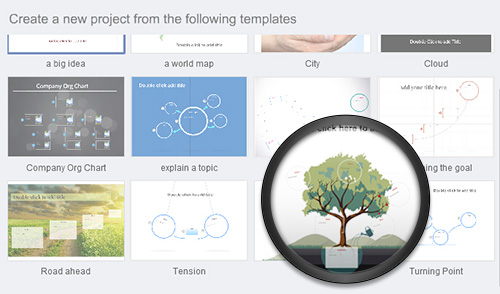
When you open Focusky free online presentation maker, you will see multiple templates for your presentation. There are 12 wonderful templates to start showing your ideas so far. If you can't get a satisfied one, no worries, you can create a new one. Anyway, more and more awesome templates are coming soon.
Animation for Inserted Objects
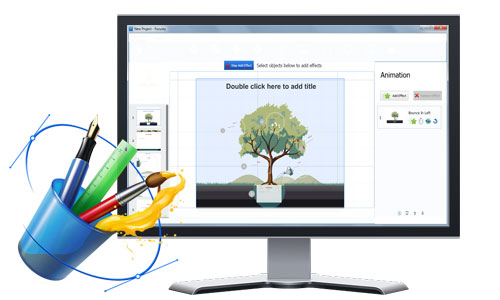
Adding animation for inserted objects is the new features of Focusky Free Online presentation maker. Users can insert animation for every inserted objects of every path. However, animation doesn't support to be added for group so far.